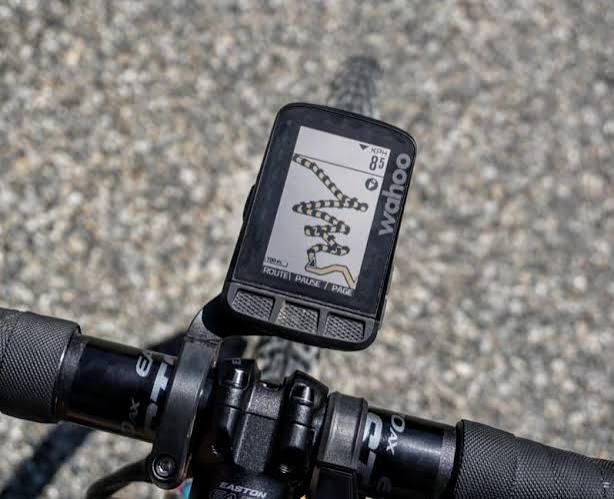
Plan at home, turn-by-turn on the road, share the plan across the group — three jobs of a routing tool. Most do one or two well. Almost none do all three.
What I actually run
Same story as the bike: no single app does all three jobs, so I run a small stack — plan in Strava or komoot, sync to a head unit, share the GPX, and keep a paper cue sheet for when it all falls over.
Strava or komoot
Most routes start in one of the two — whichever already has the local heatmap or the food stops mapped. Export GPX either way.
Wahoo Elemnt
Never let me down on tour, and the screen contrast is genuinely great in direct sun. The phone stays in a pocket for photos, not draining on the bars.
GPX + komoot Groups
Waypoints at every fork, a live-position layer so I know who fell behind, and an agreed coffee stop 25km in.
The backstop: a printed cue sheet in the jersey pocket — route, overnight address, everyone's number. Planamoto's export does it. Batteries fail; paper doesn't.
That's my stack. Here's everything else, honestly.
Every tool worth considering, grouped by what it's for — with the trade-offs that matter on a multi-day ride.
The three jobs — and why no one tool nails all three
Plan
Building the route on a big screen — elevation, surface, overnight stops at a sensible pedalling distance.
Navigate
Turn-by-turn on the head unit, glanceable in bright sun, rerouting when someone takes the wrong lane at a roundabout.
Share
Getting the plan into everyone's units before you leave. Group rides live and die on this.
Cycle-specific apps
Written for cycling first. Route quality here means climb profile, surface type and food stops — not corner count.
komoot
Region packs from ≈ £4 · World pack £30 one-offThe default for touring cyclists.
The web planner is best-in-class for surface-aware routing. Region packs cover the world once for £30 — you own them forever. Voice guidance in a Bluetooth headset works well. The Groups feature is genuinely useful for a small crew. Cycling profiles (road, gravel, MTB, e-bike) all feel first-class rather than bolted-on.
The default 'road bike' profile is aggressive about gravel connectors that aren't fun on 25mm tyres. Adjust the profile if you're on skinny rubber.
Multi-day cycle tours where you want elevation, surface and food stops in a single plan.
Ride with GPS
Free tier · Premium ≈ £65/yearUS-origin, huge in the Anglosphere.
Group ride 'events' with automatic notifications to attendees are excellent for a club or weekend group. Cue sheets that show at the top of the screen while you ride. Offline in Premium. Route-library sharing culture is strong — most local clubs post their routes here.
Premium is where the real navigation lives — the free tier is deliberately limited. UI feels dated. Elevation-profile detail can lag komoot's.
Group rides that need pre-shared cue sheets and a live 'am I on route' check.
Strava (Routes)
Free tier · Premium ≈ £55/yearNot just tracking — the routes tool is underused.
Uses segment popularity to weight route choice, so a Strava-planned route tends to be one lots of locals already ride. Turn-by-turn in the app on Premium. Sync to a Garmin Edge or Wahoo takes one tap. Heatmaps are genuinely useful for finding local roads.
Turn-by-turn navigation is Premium-only. The routes tool is buried in the UI. Popular-route bias sometimes over-favours the same climb everyone posts.
Riders exploring a new area who want to piggy-back on local knowledge.
Bikemap
Free tier · Premium ≈ £30/yearLess known outside Europe, sneaky-good.
Vast community route database, especially in DACH countries (Germany, Austria, Switzerland) and the Netherlands. Offline in the Premium tier. Gravel and city-cycle modes are both solid. Reasonable free tier for occasional use.
English-language content is thinner than the German-first UI suggests. Some corners of the UI feel busy.
City commutes and gravel exploration, particularly in Germany, Austria, the Netherlands and Denmark.
General-purpose maps
Not built for cycling, but occasionally the most convenient thing when you're topping up a bottle at a supermarket you don't want to lose your way back from.
Google Maps
FreeEveryone's default.
Bicycle mode is genuinely usable in cities — it knows most cycle-path networks in the UK, EU and US. Directions almost anywhere. Live traffic. Offline maps by area.
Bicycle routing outside cities is patchy — will happily send you down a dirt track that turns to mud. No elevation profile. No sense of climb difficulty.
City navigation, restaurant lookups on tour, backup when the cycling app can't find the hotel.
Apple Maps
FreeThe iPhone-native option, now much better than it was.
Very readable turn cards on CarPlay and phone. Bicycle mode with elevation profile in most EU/US cities. Look-Around imagery helps with tricky junctions.
Rural cycling routing is thin. Doesn't handle multi-day route planning. Missing detail in the far Alps.
iPhone-committed cyclists who want the OS-native experience for city-scale navigation.
HERE WeGo
FreeThe 'everyone forgets this exists' app.
Best free offline maps in the business. Country-sized downloads that survive an entire tour on one card. Simple UI, functional bike routing.
Feature-light on the planning side. No community route library. No elevation profiles.
Offline backup, or trips where roaming costs.
Cycle head units
Turn-by-turn plus every metric that matters — power, heart rate, cadence, radar — without draining a phone or leaning on your data plan.
Garmin Edge 540–1050
≈ £280–640The category leader, whole family.
Best-in-class cycling nav, deep integration with power meters, radar and Di2/AXS. Multi-day battery, robust GPX import, an ecosystem every bike shop knows.
Functional-not-beautiful UI with a learning curve; the 1050 passes £600; solar premiums are steep.
Cyclists who race, train with power, or want the most robust computer going.
Wahoo Elemnt Bolt / Roam
≈ £280–380Button-driven, phone-first setup.
Setup from the app in five minutes, no menu tree. Easy to read in sun, buttons work through any glove, effortless komoot and RWGPS integration.
No touchscreen, so map interaction is limited; turn-by-turn feels less rich than Garmin's; slower firmware cadence.
Cyclists who want the essentials done well without wading through menus.
Hammerhead Karoo 3
≈ £400The best-looking maps in the class.
Full-colour high-res display makes maps read like a phone. Android-based, so third-party integrations feel first-class; features ship fast.
Shorter battery than Garmin/Wahoo; you'll top up more often on tour; the ecosystem still feels smaller post-SRAM.
Riders who value map quality above raw metric depth.
Bryton Rider 460 / 750
≈ £120–280The budget alternative most don't know exists.
Full turn-by-turn at Edge-130 money. Solid multi-day battery, clean sensor pairing, improving app.
Dated UI, thinner companion app, slow firmware, thinner UK dealer support.
Turn-by-turn and metrics without Garmin money — commuters and first-time buyers.
Sharing the plan across the group — honestly
Hand four riders the same GPX and four units pick four different lines. Add traffic lights, a puncture and a photo stop and a group of four becomes two pairs in ten minutes. A few things actually work:
Mark the junctions, not the roads
Scatter waypoints at every fork, roundabout and unnamed lane where the cycle path leaves the road. Less room to invent, and the units converge.
Nominate a leader, agree the regroups
A coffee stop 20–30km in, then lunch, then a viewpoint. Ride your own pace to each. How club rides have always worked.
Live-position layer
komoot Groups and Ride with GPS Events show each rider on the route in real time — you know who fell behind, and where.
The paper cue sheet
One sheet per day in the jersey pocket — route, overnight address, everyone's number. Planamoto's export is built for it.
Offline, battery & boring truths
Load offline maps before the border
Roaming is fine in the EU but slow in the mountains. Google, Apple, HERE, komoot packs and every head unit work without data.
Head unit for nav, phone for photos
Head units are built for multi-day battery; phone nav isn't. Max brightness at noon drains a phone 50% in two hours.
Mount it properly
If the phone is your only nav, a Quad Lock or SP Connect with a silicon sleeve beats a stretchy stem strap in the wet.
File formats
The universal one
Every planner and head unit reads and writes it. Learn this one — plain XML, human-readable.
Garmin's workout format
Mostly for structured intervals rather than routes. Rarely needed for touring.
What the unit records to
Holds the ride you did, not the route you planned. Upload to Strava/komoot; keep the GPX for the library.
We handle the plan. Your head unit handles the turns.
Stops, overnight address, expenses, checklists and the group live in Planamoto. Each day gives you a route link today — per-day GPX export to komoot, Ride with GPS or a Garmin Edge is on the roadmap.
Related guides
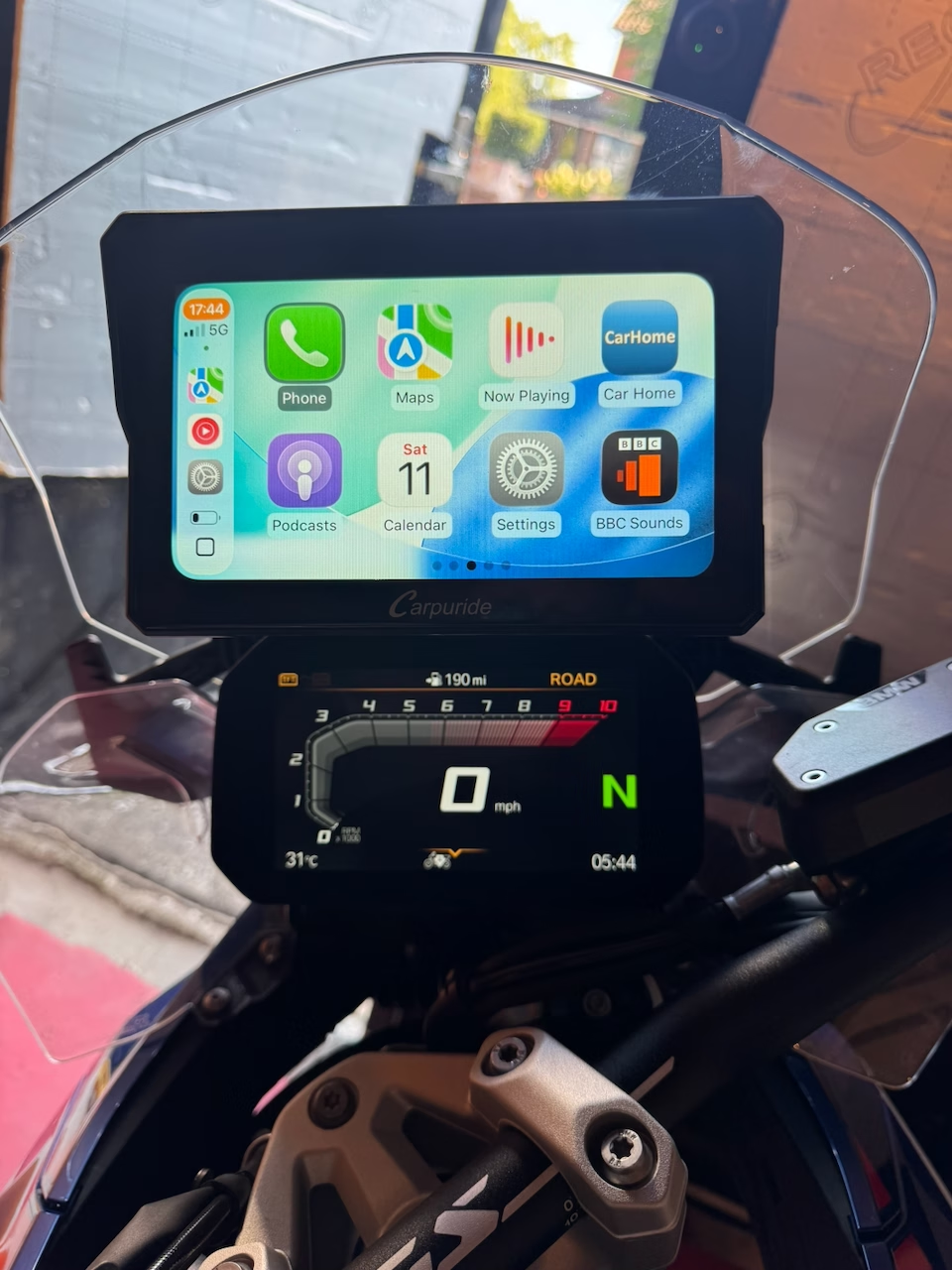
Motorbike navigation tools — what to actually use in 2026
Calimoto, Kurviger, komoot, Google Maps, Apple Maps, Garmin Zumo XT2, TomTom Rider, Carpuride, Chigee AIO, BMW Navigator — the honest map of what motorbike riders reach for, with the trade-offs I've hit on tour.
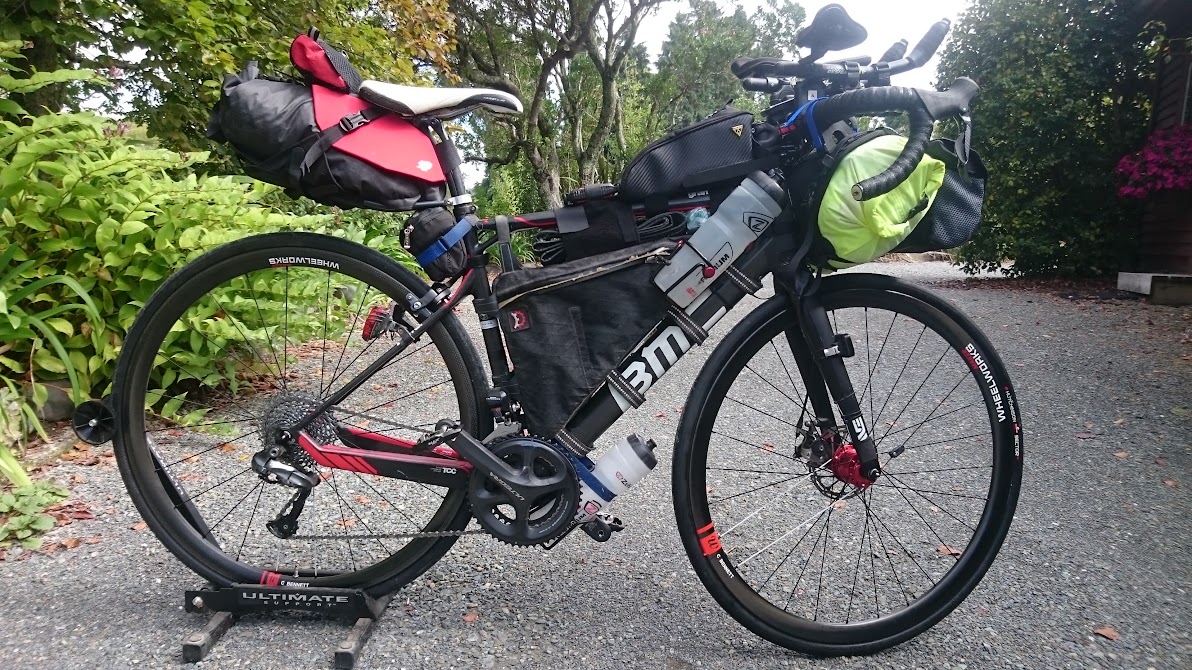
What to pack for a cycle tour through France, Germany, Switzerland and Italy
A cyclist's checklist for cross-border European touring: documents, country-specific cycling rules, kit, the bike itself, tools, navigation, comfort, and the day-before checks.
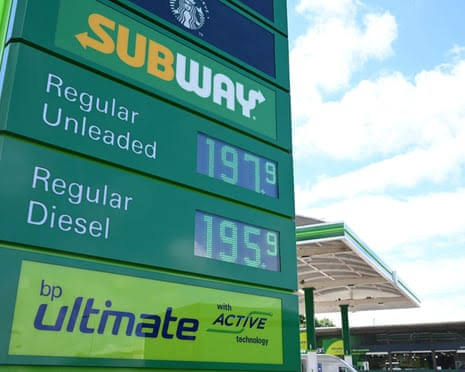
Fuel prices by country — petrol & diesel
Average pump prices for unleaded 95 and diesel across the EU, UK and US. Refreshed weekly from the EU Weekly Oil Bulletin, gov.uk and the U.S. EIA.
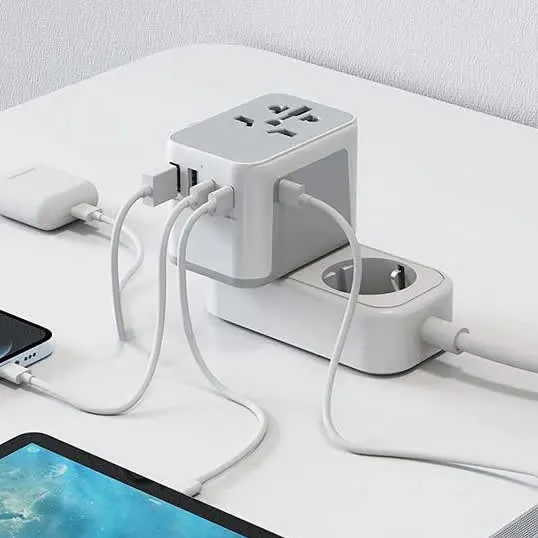
Power plugs around the world — voltages, pin layouts and adapters
A practical reference to the plug types, voltages and frequencies you'll meet on a multi-country tour — plus what adapters and chargers to actually pack.