Plan at home, turn-by-turn on the road, share the plan across the group — three jobs of a routing tool. Most tools do one or two well. Almost none do all three.
What I actually run
No single app does all three jobs cleanly, so like most serious tourers I run a small stack — one tool per job, plus a paper backstop. The full field guide is below; this is the version I trust on a two-week trip.
Planamoto + Google Maps + Calimoto
Planamoto holds the trip itself — the days, overnights and the plan the group shares. Google Maps roughs out the line and the distances; I switch to Calimoto when I want to drag the route onto one specific back road.
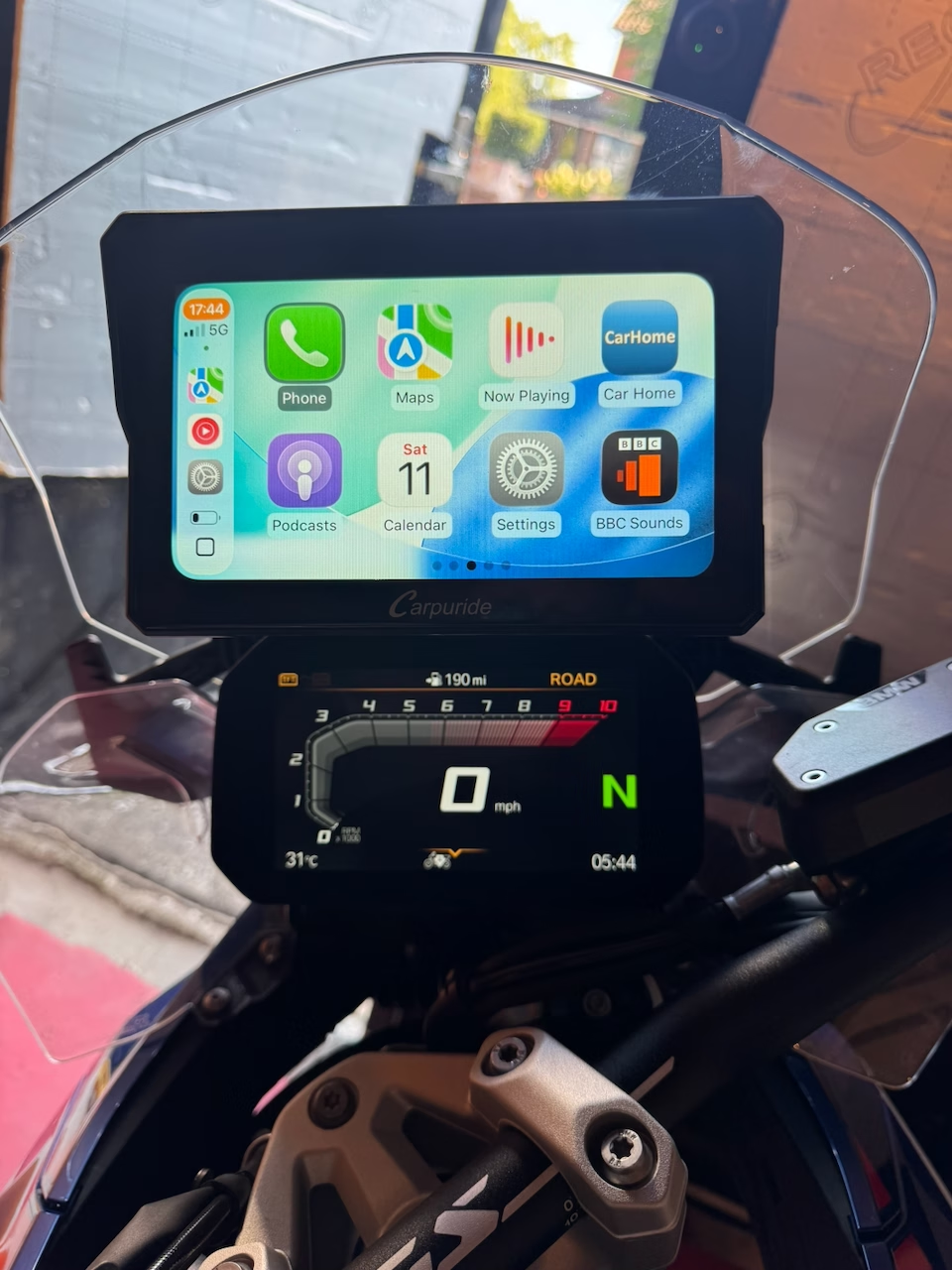
Chigee AIO-6 LTE
My unit is the Chigee AIO-6 LTE — more refined than the Carpuride, though quite a bit more expensive, with more expansion options and physical buttons on the top for quick functions.
Planamoto + agreed regroups
The plan lives in Planamoto, so everyone has the same route, overnights and numbers before we leave. A café agreed 40 minutes in. Units always drift; regroups don't.
The backstop: a printed Planamoto sheet in the tank bag — route, overnight address, everyone's number. Batteries fail; paper doesn't.
That's my stack. Here's everything else, honestly.
Every tool worth considering, grouped by what it's for — with the trade-offs I've hit on tour, not the marketing copy.
The three jobs — and why no one tool nails all three
Plan
Building the day's route on a big screen — elevation, corners, accommodation at a sensible dinner distance. A good web planner saves hours.
Navigate
Turn-by-turn in the helmet, voice over the wind, screen readable in sun, sensible rerouting when someone misses a turn.
Share
Getting the plan into everyone's phones and units before you leave. Everyone underrates this and pays for it at the fuel stop.
Twisty-road planners
The apps built specifically to bias routes toward corners rather than the fastest line. Small user bases but strong opinions. This is where you plan a Sunday ride, not the airport run.
Calimoto
Free trial · Premium ≈ £40/yearBest-in-class for planning a detailed route.
Route shaping is the killer feature — grab the route line anywhere and drag it to reshape it, snapping to real roads as you go. Force the route down that fun back road even when the algorithm wouldn't pick it, without turning the plan into a chain of thirty waypoints. Curviness slider on top of that. Community-shared tours across Europe. Tour recording with the video-highlights feature.
The subscription stings if you only ride occasionally. The router is opinionated in a way that occasionally sends you 20 minutes around a good road just to catch one corner. Voice guidance can get quirky in strong accents.
Riders who plan the route meticulously and want specific roads in the plan — the route shaping is what wins the subscription argument.
Kurviger
Web planner free · Pro app ≈ £10/yearThe cult favourite among planners.
The free web planner is arguably the best free tool for building a curvy multi-stop route. Clean GPX import/export. Community-scored twisty ratings. Open enough that riders trust it.
The UI is spartan. No polished social layer — group sharing is DIY through GPX files. Voice guidance is basic.
Planners who build the route carefully at home, load it onto a Garmin or phone, and want the road choice to actually be twisty.
komoot
Region packs from ≈ £4 · World pack £30 one-offCross-discipline — hiking, cycling, and lately motorbiking.
Best web-to-mobile handoff of any app in this list. The planner is opinionated but usually right. Region packs are one-time purchases you own forever. Groups feature is useful for a small crew.
The motorbike routing profile is newer than the cycling one and sometimes misses a good road. Some UI corners still feel cycle-first.
Multi-day tours that mix surfaces (some gravel connectors), and for riders who arrive here from cycling.
General-purpose maps
The apps everyone already has installed. They're not built for riders, but they're free, everywhere, and good enough for the airport hop, the city hotel, or the day you just want to be somewhere by 5pm.
Google Maps
FreeEveryone's default.
Directions almost anywhere on Earth. Voice guidance is best-in-class. Live traffic. Offline maps by area. The 'share ETA' feature is genuinely useful for a group.
Motorbikes are treated as cars, so no 'no motorcycles' sign awareness and no winding-road bias. Zero interest in the fun route.
Point-to-point when the road doesn't matter, or navigating an unfamiliar city.
Apple Maps
FreeThe iPhone-native option, now much better than it was.
Very readable turn cards on CarPlay and phone. Look-Around imagery for tricky junctions. On iPhone 15 and later a 'Motorcycle' transport type is available in most EU countries. Genuinely competitive with Google on lookups now.
No twisty-road bias. Rural France routing still occasionally does odd things. Missing detail in the far Alps compared with Google.
iPhone-committed riders who want the OS-native experience without another app to open.
Waze
FreeTraffic-first, community-reported hazards.
Best real-time traffic of any consumer app. Speed-camera and hazard alerts crowd-sourced. Reroutes aggressively around jams.
No offline. Battery hog. Doesn't consider road quality — it'll send you down a farm track to save two minutes.
The daily commute. Not touring.
HERE WeGo
FreeThe one everyone forgets exists.
Best free offline maps in the business. Country-sized downloads that survive an entire Alps trip on one card. Simple UI.
Feature-light on the planning side. No winding-road bias. No community layer.
Backup nav for offline situations, or trips where data roaming will cost you.
Dedicated GPS units
Expensive, single-purpose, but genuinely better in bad weather with cold fingers and a sun-drenched screen. A phone breaks; a Zumo mostly doesn't. Three units still worth buying in 2026.
Garmin Zumo XT2
≈ £500 new · used XT ≈ £300The de-facto motorbike sat-nav.
Glove-friendly capacitive screen that works in the rain. Bright enough for direct sunlight. Waterproof, tank-tough. BaseCamp and Garmin Explore let you plan on a desktop and sync over Bluetooth. Excellent GPX import — drop a file, ride the route.
Really expensive. BaseCamp is a dated piece of software. The mount and cable setup adds another point of failure to the cockpit.
Serious tourers on multi-week trips, or anyone who wants their phone to stay in a pocket.
TomTom Rider 550 / 500
≈ £350–500The main Zumo alternative.
Winding-roads mode is genuinely good — a slider that biases toward corners without going full Calimoto. Bluetooth headset pairing is straightforward. Cheaper than a comparable Zumo. Traffic subscription included for the lifetime of the unit.
Companion app connectivity has been shaky historically. Sharing routes between two Riders is clunkier than it should be. Software updates less frequent than Garmin's.
Riders who want dedicated hardware without the Garmin price tag.
BMW Navigator VI / VII
≈ £500–900The OEM route if you ride a BMW — a Zumo, rebadged.
Deepest integration on any motorbike — the multi-controller wheel scrolls the map, turn indicators talk to the routing, the cradle is engineered by BMW rather than clamped on. Physically bulletproof. Familiar interface if you've used a Garmin Zumo (it is one, rebadged).
Very expensive for what is fundamentally a Zumo. Cradle is bike-specific — swap to a Ducati and it's a paperweight. Newer BMWs push you toward the built-in TFT and the Motorrad Connected app instead.
BMW GS / RT / K owners who want the OEM-integrated hardware experience.
Phone-mirror screens
Bar-mounted touchscreens that display CarPlay or Android Auto wirelessly from your phone — so you navigate with whatever app you already use, but on a waterproof, sunlight-readable, glove-friendly display.
Carpuride W702 / W902
≈ £280–450The mass-market wireless CarPlay screen.
You navigate with whatever app CarPlay or Android Auto supports — Google Maps, Apple Maps, Waze, Sygic, komoot, and more. Big 7in or 9in screen. Waterproof. No new software to learn. Wireless pairing from a jacket pocket phone works reliably.
Your phone is doing all the work — battery, GPS, data. Chinese-brand firmware updates arrive rarely. Sunlight-readability is good but not Zumo-good.
Riders committed to a phone app who want a bigger, tougher screen than their phone can offer on its own.
Chigee AIO-5 Lite / Play · AIO-6 LTE
≈ £400–700 (AIO-6 LTE ≈ £550–700)The category's most polished ecosystem.
CarPlay/Android Auto mirroring plus a genuinely useful ecosystem — front dashcam, optional tyre-pressure monitoring, blind-spot radar on the top model. Bright screen. Companion app is better-thought-out than the pure-mirror rivals. The newer AIO-6 LTE — the one I ride with — is more refined than the Carpuride, with more expansion options and physical buttons on the top for quick functions, though it's quite a bit more expensive.
Kitted-out prices approach a Zumo XT2. Software is still a Chinese-brand experience with the occasional English-translation quirk.
Tourers who want a middle path between a dumb screen and a full Garmin experience — nav plus dashcam plus TPMS in one shell.
Sharing the plan across the group — honestly
Group navigation is not a solved problem. Hand five riders the same GPX and five units pick five different lines between the waypoints — the group splits at 60mph and reunites 40 minutes later, tempers frayed. A few things actually work, in order of how much control you keep:
Mark the junctions, not the roads
Scatter a waypoint at every decision point — every T-junction, fork and fuel stop. Ten for a 100-mile day isn't too many. Less freedom to invent, and the units converge.
Agree a first stop, then ride your own ride
Pick a café 30–60 min in. Everyone rides their own line and pace to get there, regroup, agree the next. How experienced tourers actually operate.
Live-position layer
Cardo Group Chat, komoot Groups or Ride with GPS Events show where each rider is. Doesn't fix different turn instructions, but you know who went wrong and where.
The paper backstop
One sheet per day in the tank bag — route, overnight address, everyone's number. Planamoto's printable export is built for this. Batteries fail; paper doesn't.
Offline, battery & boring truths
Load offline maps before the border
Roaming is fine in the EU but slow in the high Alps. Google, Apple, HERE, komoot packs and every GPS unit work without data.
Fit a bike-side charger
Max brightness at noon drains a phone 50% in two hours. Hotel-only charging fails on any day over 200 miles.
Mount it properly
If the phone is your only nav, budget for a Quad Lock or SP Connect with a silicon sleeve — not a stretchy stem strap.
File formats
The universal one
Every app here reads and writes it. If you learn one format, learn this — plain XML, human-readable.
Garmin's older format
Still around on some devices; rarely needed for touring. The fallback if a Garmin refuses your GPX.
Google Earth's format
Turns up in tourism-office downloads. Convert to GPX with a free tool before importing elsewhere.
We handle the plan. Your nav handles the turns.
Stops, overnight address, expenses, checklists and the group live in Planamoto. Each day gives you a route link into Google Maps today — per-day GPX export to Calimoto, komoot or a Zumo is on the roadmap.
Related guides
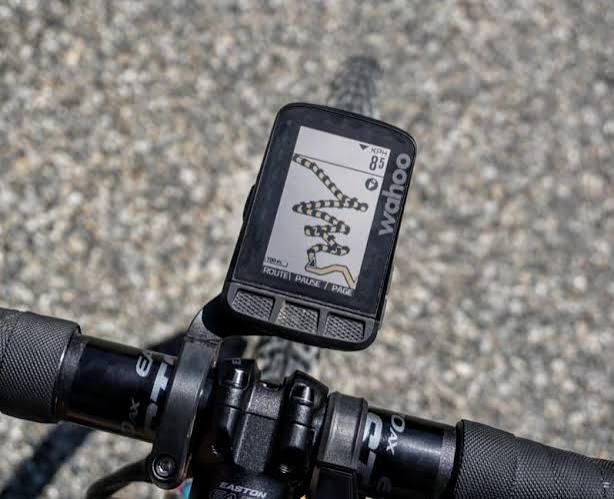
Cycle navigation tools — what to actually use in 2026
komoot, Ride with GPS, Strava, Bikemap, Google Maps, Garmin Edge, Wahoo Elemnt, Hammerhead Karoo, Bryton — the honest map of what cyclists reach for on a tour, with the trade-offs that matter.
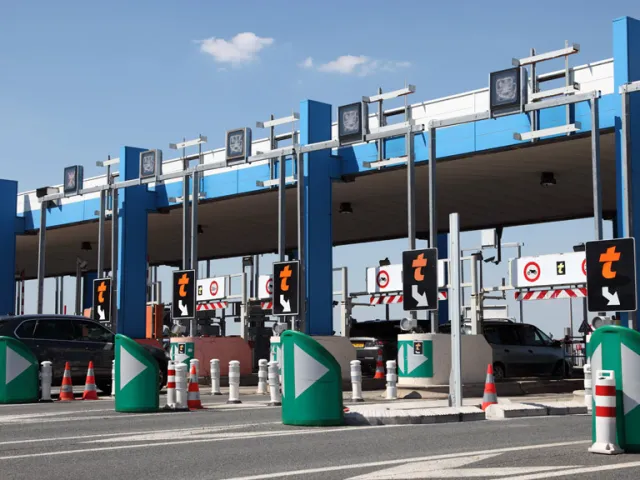
How to use French toll roads on a motorbike
How the péage system works, which lane to use, Liber-t electronic tags, the new Flux Libre barrier-less rollout, group ride logistics, and how to keep costs sensible.
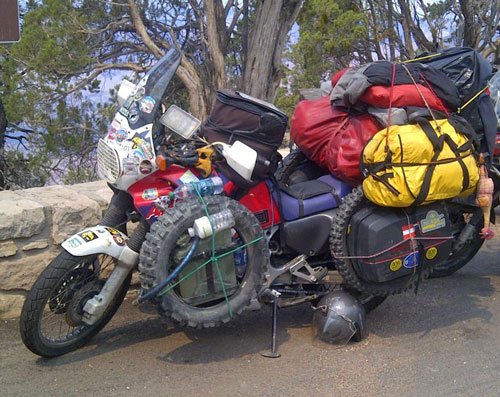
What to pack for a motorbike tour in France, Germany, Switzerland and Italy
A rider's checklist for European touring: documents, country-specific legal kit, riding gear, tools, navigation, comfort, money, medical, and the day-before checks.
Fuel prices by country — petrol & diesel
Average pump prices for unleaded 95 and diesel across the EU, UK and US. Refreshed weekly from the EU Weekly Oil Bulletin, gov.uk and the U.S. EIA.
Power plugs around the world — voltages, pin layouts and adapters
A practical reference to the plug types, voltages and frequencies you'll meet on a multi-country tour — plus what adapters and chargers to actually pack.